
Show your own offer in every WordPress post
You have a course, an e-book or a newsletter, and your posts say nothing about it. Video 001 on our channel walks the route in four minutes, and here it is to read: pick a template, fill in four fields, set the placement, look at the numbers.

Most blogs give away their best ad space to everyone except themselves: the text brings in readers, and at the end there is a line in the sidebar at best, which lands below the post on phones anyway. Anyone who wants to show their own offer in the middle of the text reaches for HTML in every single post, and regrets it at the first price update.
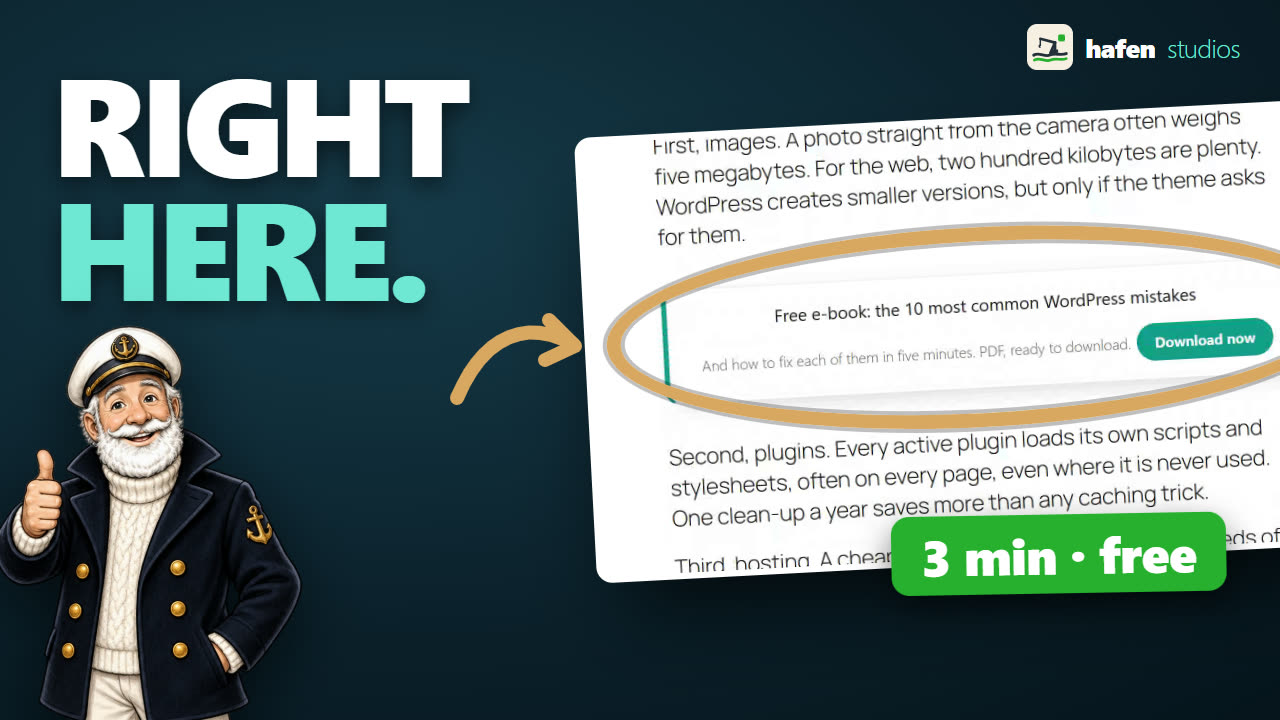 Video 001: Your own offer in every WordPress post
4:02 minutes, shown in Hafenstudios Ads 2.5.0 · One click, and only then, loads content from YouTube
Video 001: Your own offer in every WordPress post
4:02 minutes, shown in Hafenstudios Ads 2.5.0 · One click, and only then, loads content from YouTube
Step 1: pick a template
The route starts in Hafenstudios Ads with a template overview. For an offer of your own, the CTA banner fits: headline, text, button. Next to it sit a book or course card, a testimonial template, a native in-feed card and a seasonal deal with a countdown, among others. You click the template, the wizard opens, and that is the whole effort at this point.
Step 2: fill in four fields
The wizard asks for exactly what should appear in the box: the headline, one sentence of text, the label on the button and the address it points to. A preview runs along on the right and updates as you type, so you do not have to save and reload the website to see what the result looks like. If you want more control, “Advanced” holds alignment, maximum width, margin and a field for custom CSS whose effect stays limited to that one block.
Step 3: the placement after the second paragraph
Now comes the part that saves the work. Instead of putting the box into every post by hand, you name a placement: inside the post content, after the second paragraph. From the moment you save, the offer appears in every post at the same spot, including the 200 you wrote three years ago. The second paragraph is a good choice, because the reader is already inside the text there and not yet at the end. Further positions in the content are available, as is targeting by page type and user role, for cases where the offer should only run for logged-out visitors.
A 53-second short takes the same idea to paragraph four and covers the case people forget: a post with only three paragraphs. Paragraph four never arrives there, so the box goes to the end of the post instead of being dropped. And if you would rather not count paragraphs at all, the free version has two relative positions as well, the middle of the content and before the last paragraph.

Step 4: check whether it does anything
The plugin counts impressions and clicks per block and works out the click rate. Those numbers land in your own WordPress database, without analytics data going to somebody else's server. So after a few days you can see whether your offer is noticed at all in that spot, and the next rebuild does not have to rest on your gut feeling.
What else the free version does
The route above needs no paid version. The free version in the WordPress directory also brings an image picker through the media library, start and end dates for time-limited campaigns, reserved space against layout shifts while loading, AdSense integration with Consent Mode, an import from other ad plugins, CSV export and a diagnosis view that tells you the reason behind an invisible block. A split test is included as well: two variants run against each other, and from 100 impressions per variant onwards you see which one is ahead.
Where Pro begins
Honestly, the line sits further back than many people expect. The free package runs one split test at a time, the Pro version lifts that limit and allows several in parallel. On top of that come details for heavy users, such as additional triggers for sticky bars and popups. For the case in the video, your own offer in every post with measurement, you need none of it. The full comparison is on the product page.
Try it yourself without installing anything
At hafenstudios.com/go/ads-demo/ a complete WordPress opens in your browser window, with Hafenstudios Ads installed and the example post from the video. It runs in WordPress Playground, so inside the browser itself: no account, no install, no access to your own website. You can build the same box there, change the placement and throw it away again. Close the tab and the environment has vanished. The German version of the demo sits at hafenstudios.com/go/ads-demo/de/.
Get Hafenstudios Ads
Free in the official WordPress directory, under GPLv2. Install it, pick a template, run your offer across every post and read the click rate as you go.
Frequently asked questions
Do I need to know HTML?
No. The template wizard asks for the headline, the text, the button label and the target address as ordinary fields, and builds the box from them. Custom HTML and custom CSS are possible, but not needed for the route in the video.
Does the offer really appear in every post?
Yes, as soon as you set a placement inside the post content. The placement applies to all posts, including the old ones, and can be narrowed down by page type and user role. If you change the price in the box later, the change applies everywhere immediately.
Do the click figures leave my website?
No. Hafenstudios Ads counts impressions and clicks in your own WordPress database. No analytics data is sent to an external server.
What does the route shown cost?
Nothing. Templates, placement inside the post content and the statistics are part of the free version in the WordPress directory. The Pro version lifts the limit of one split test at a time and adds further triggers for sticky bars and popups.
